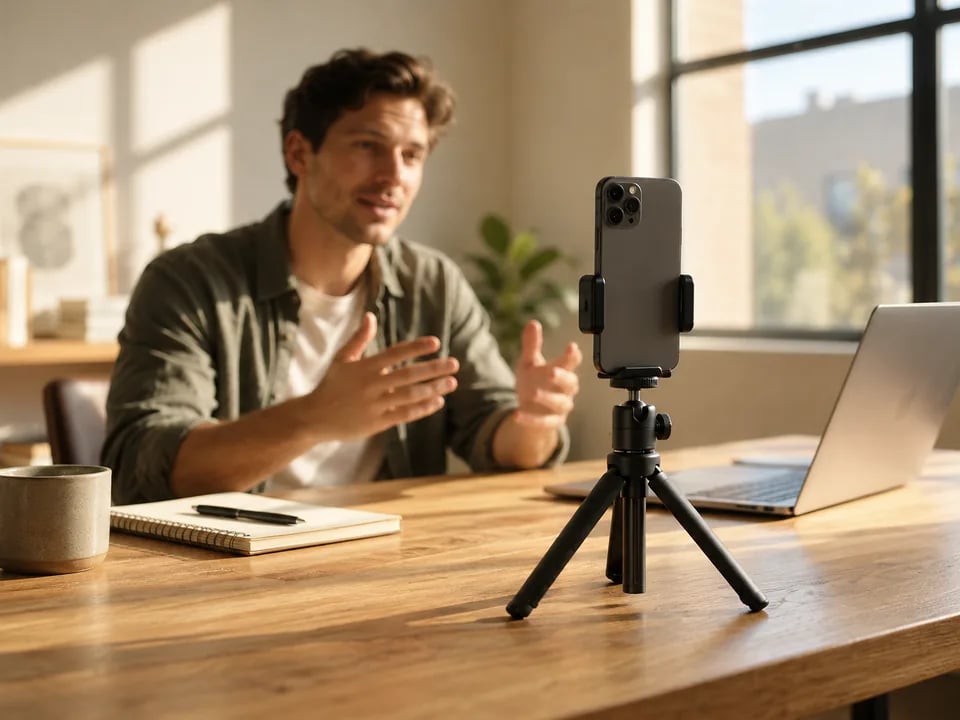
How to Download TikTok Videos as MP4
Learn how to copy a public TikTok video link, choose an available format, prepare an MP4, and save it to your phone or computer with TikSaveMP4.
Read guideClear instructions for saving supported public media, finding your files, and keeping an organized archive of your own work.
Showing 1–5 of 5 guides
Learn how to copy a public TikTok video link, choose an available format, prepare an MP4, and save it to your phone or computer with TikSaveMP4.
Read guide
Learn how to download a public TikTok video on iPhone, find the MP4 in Files, and move a compatible copy into Photos using the iOS share menu.
Read guide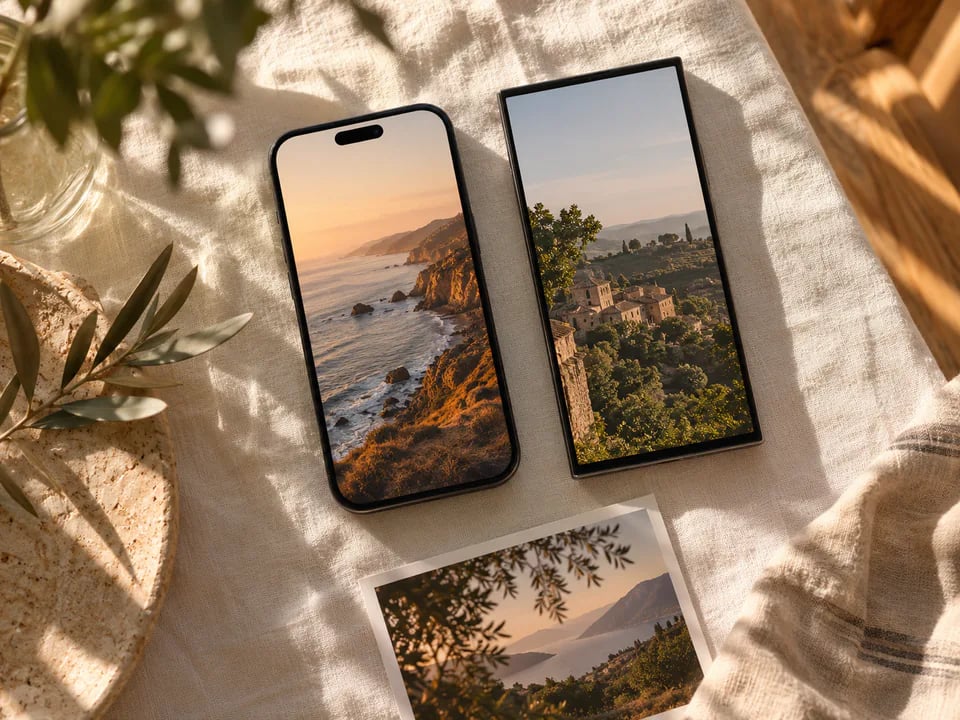
Follow the steps to download public TikTok videos on Android. Prepare an MP4, check browser downloads, and find the saved file on your phone.
Read guide
Download public TikTok videos on a Windows PC or Mac. Choose an available MP4 format, save it in your browser, and organize the files on your computer.
Read guide
Learn how to download available TikTok video and audio together, choose a format with sound, and check playback when a saved MP4 seems silent.
Read guide