How to Back Up Your Own TikTok Content
Back up your own TikTok videos and photo sets with original exports and verified local files. Organize your downloads before temporary links expire.
In this guide
A useful backup is a verified local copy you can find again. TikSaveMP4’s prepared files are temporary, so a browser tab or a saved download URL is not a long-term archive. Save the files themselves and keep your own original exports whenever possible.
Start with your originals
Collect the recordings, full-size images and editing exports you created before upload. Keep platform downloads in a separate folder so you can distinguish a TikTok-delivered copy from the original master. Do not overwrite your only original just because a smaller downloaded version plays correctly.
Collect the public post copies
Use the video downloader for available MP4 files and the photo downloader for image posts. A photo ZIP is convenient for a complete slideshow, but extract and verify it before considering the job finished.
Use a simple folder scheme
- Keep one folder for each project or post.
- Use descriptive names that include the project and date.
- Preserve numbered photo filenames when slide order matters.
- Add a small text note with the public post link and any permissions you need to retain.
Storing the source link is useful context, but it is not a replacement for the downloaded file. The post may later become unavailable.
Verify and copy
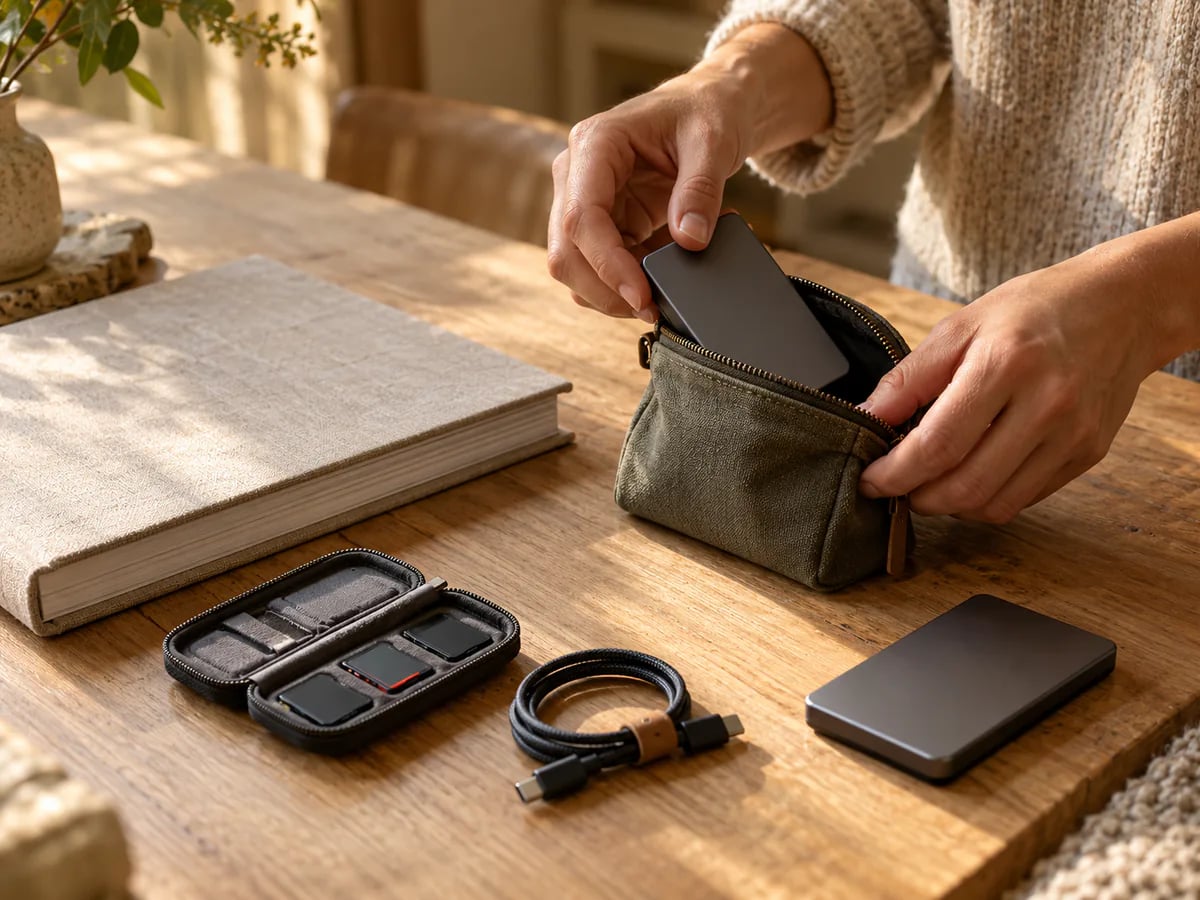
Open every video and check its sound and ending. Compare photo counts and inspect the extracted files. Then make a second copy on a separate device or storage service you control. Test that you can open that copy instead of assuming a completed transfer is enough.
Keep realistic expectations
A download does not preserve comments, engagement statistics, your editing timeline or the entire TikTok account. Downloaded quality also depends on what the source exposed. Read the quality guide when deciding which files should be treated as archival originals.